



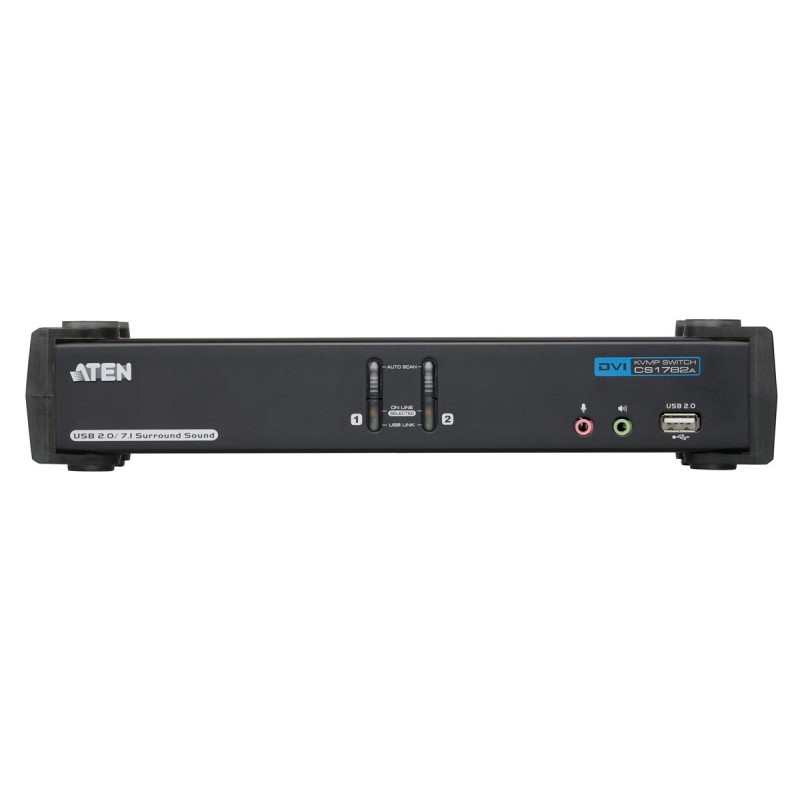
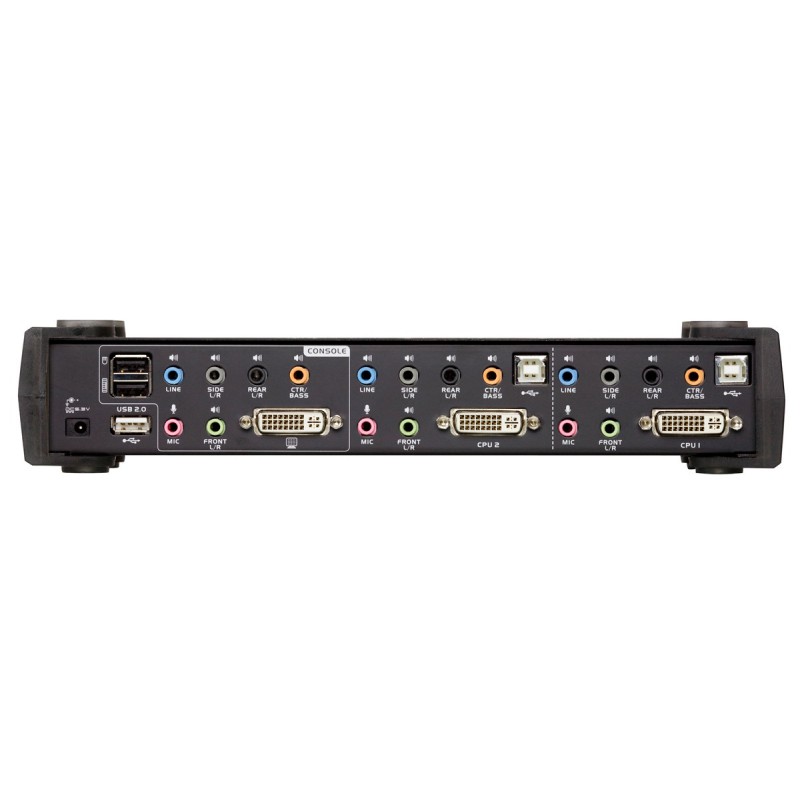


2-Port USB DVI Dual Link KVM Switch
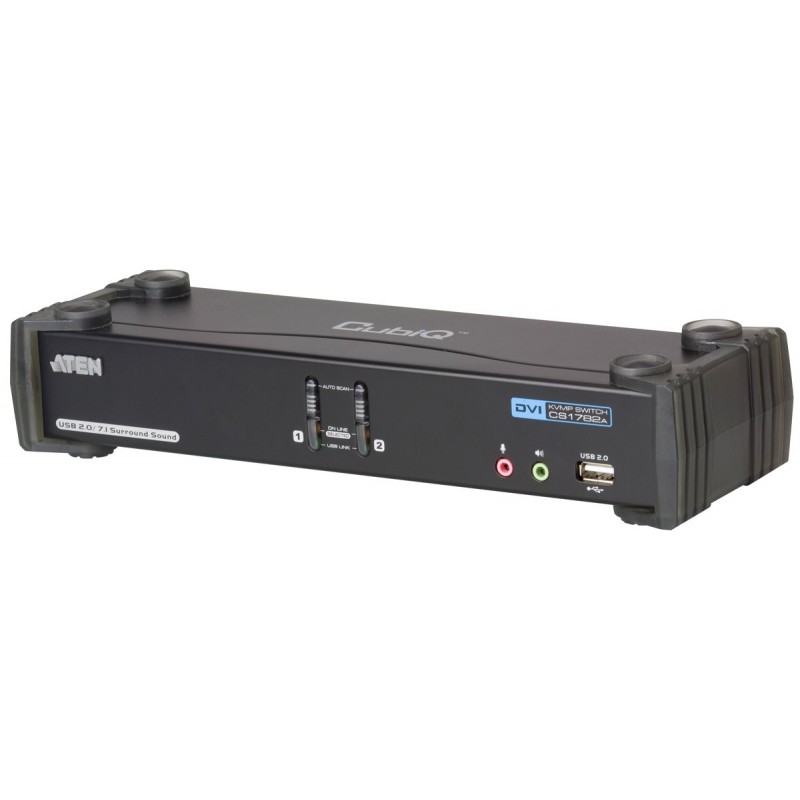
CS1782A
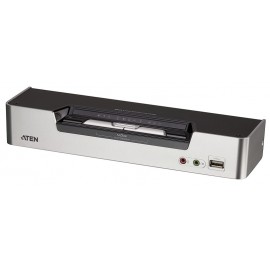
2-Port USB DVI Dual Link KVMP™ Switch, 2-port USB 2.0 hub built in, Supports widescreen resolutions 1920 x 1200(DVI) and support 3D
รับประกัน 3 ปีเต็ม





 Spec Sheet
The CS1782A USB DVI Dual Link KVMP™ Switch charts a revolutionary direction in KVM switch functionality. It combines the capabilities of a 2-port KVM switch with a 2-Port USB hub, while providing a DVI monitor interface and audio support. Moreover it carries advanced features, such as 120Hz 3D display support, gaming keyboard compatibility and port selection/switching using a mouse, aimed at giving you flexibility, convenience and enjoyment.

คุณสมบัติ
- 2-port DVI KVMP Switch with USB 2.0 and 7.1 Surround Sound Audio
- One USB console controls two computers and two additional USB devices
- 2-port built in USB 2.0 hub fully compliant with the USB 2.0 specification
- Full bass response for high quality 7.1 channel surround sound systems
- Computer selection via front panel pushbuttons, hotkeys, and mouse NEW!
- Multiplatform support – Windows, Linux, Mac, and Sun*
- Independent switching of KVM, USB, and Audio focus
- DVI digital and analog monitor support – fully compliant with the DVI specifications
- Superior video quality: 1920 x 1200 @ 60Hz (Single Link); 2560 x 1600 @ 60Hz (Dual Link): Works with cutting edge 120Hz LCD monitors and active shutter glasses to create a 3D environment with maximum resolution of up to 1920 x 1080 for your ideal workspace and entertainment
- HDCP compatible
- Support widescreen resolutions
- HDCP compatible
- Video DynaSync™ – Exclusive ATEN technology that eliminates boot-up display problems and optimizes resolution when switching between ports
- Power on detection – if one of the computers is powered off, the switch will automatically switch to the next powered-on computer NEW!
- Console mouse port emulation/bypass feature that supports most mouse drivers and multifunction mice
- Console keyboard emulation/bypass feature that supports most gaming / multimedia keyboards NEW!
- Complete keyboard emulation for error-free booting
- Mac/Sun keyboard support and emulation*
- Multilingual keyboard mapping – supports English, Japanese, and French keyboards
- Auto Scan Mode for monitoring all computers
- Firmware upgradable
* PC keyboard combinations emulate Mac/Sun keyboards
* Mac/Sun keyboard work only with their own
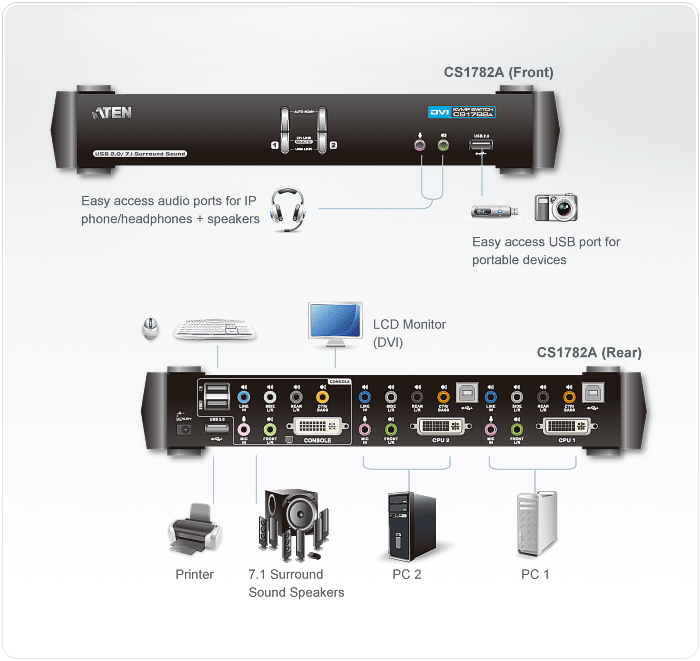
ผังการต่อ
ข้อมูลจำเพาะ
| Computer Connections | 2 | |||
| Port Selection | Front Panel Pushbuttons, Hotkeys, Mouse | |||
| Connectors | Console Ports | Keyboard | 1 x USB Type A Female (Black; rear panel) | |
| Video | 1 x DVI-I Female (White) | |||
| Mouse | 1 x USB Type A Female (Black; rear panel) | |||
| Audio | Line Out | 2 x Mini Stereo Jack Female (Green; 1 x front panel, 1 x rear panel) |
||
| Line In | 1 x Mini Stereo Jack Female (Blue) |
|||
| Side Speaker Out |
1 x Mini Stereo Jack Female (Gray) |
|||
| Rear Speaker Out |
1 x Mini Stereo Jack Female (Black) |
|||
| Center/ Subwoofer |
1 x Mini Stereo Jack Female (Orange) |
|||
| Microphone | 2 x Mini Stereo Jack Female (Pink; 1 x front panel, 1 x rear panel) |
|||
| KVM Ports |
Keyboard / Mouse | 2 x USB Type B Female (White) |
||
| Video | 2 x DVI-I Female (White) |
|||
| Audio | Line Out | 2 x Mini Stereo Jack Female (Green) |
||
| Line In | 2 x Mini Stereo Jack Female (Blue) |
|||
| Side Speaker Out |
2 x Mini Stereo Jack Female (Gray) |
|||
| Rear Speaker Out |
2 x Mini Stereo Jack Female (Black) |
|||
| Center/ Subwoofer |
2 x Mini Stereo Jack Female (Orange) |
|||
| Microphone | 2 x Mini Stereo Jack Female (Pink) |
|||
| Power | 1 x DC Jack | |||
| USB 2.0 Hub | 2 x USB Type A Female (White; 1 x front panel, 1 x rear panel) |
|||
| Switches | Power Selected | 2 x Pushbutton | ||
| LEDs | On Line / Selected | 2 (Orange) | ||
| USB Link | 2 (Green) | |||
| Emulation | Keyboard / Mouse | USB | ||
| Video | DVI Dual Link: 2560x1600 DVI Single Link: 1920 x 1200 |
|||
| Scan Interval | 1–99 secs. (5 secs. default) | |||
| Power Consumption | DC 5.3V, 9 W | |||
| Environment | Operating Temp. | 0 -50°C | ||
| Storage Temp. | -20-60°C | |||
| Humidity | 0–80% RH, Non-condensing | |||
| Physical Properties | Housing | Metal | ||
| Weight | 0.90 kg | |||
| Dimensions ( L x W x H ) |
27.00 x 8.70 x 5.50 cm | |||
อุปกรณ์ในกล่อง
- 1x CS1782A USB DVI Dual Link KVMP™ Switch
- 2x Custom DVI-D KVM Cables sets
- 2x Custom 7.1 Channel Surround Sound Cable Sets
- 1x Power Adapter
- 1x User Manual
- 1x Quick Start Guide
สินค้าใกล้เคียง
-
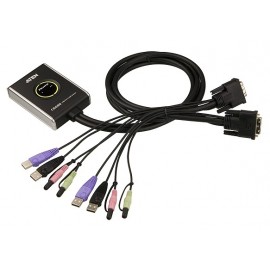
Model : CS682
2-port USB DVI
KVM สวิทช์สลับภาพและเสียง (DVI, stereo, mic, USB keyboard-mouse) รองรับความละเอียด 1920 x 1200 สายเคเบิ้ล built-in 2 x 1.2เมตร
-
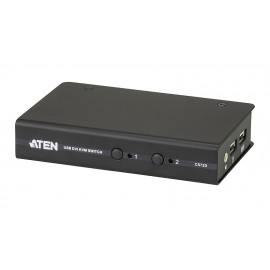
Model : CS72D
2-Port USB DVI KVM Switch
The CS72D 2-Port USB DVI KVM Switch allows you to control two computers using one USB mouse, USB keyboard and Digital Visual Interface (DVI) monitor console. It supports digital video devices, such as fl at panel displays, data projectors, plasma displays and digital TVs.
-
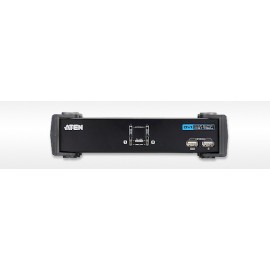
Model : CS1762A
ATEN 2-port DVI + USB KVM switch
1 USB console สลับควบคุม 2 คอมพิวเตอร์แบบ DVI และมี USB 2.0 2 พอร์ต สำหรับสลับใช้งานอุปกรณ์ USB ได้อีกด้วย
-
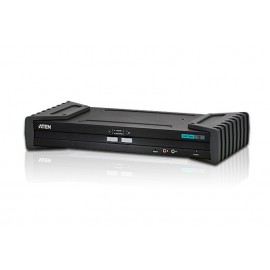
Model : CS1182
2 port USB DVI Secure KVM Switch
เป็น KVM Switch USB แบบ Dual ที่มีมาตรฐานด้านรักษาความปลอดภัยของข้อมูลสูง เหมาะสำหรับองค์กรที่มีข้อมูลสำคัญ ๆ เช่น ข้อมูลลับของรัฐบาล หรือ ข้อมูลลับส่วนราชการทหาร ซึ่งจำเป็นมากสำหรับการรักษาความปลอดภัยของข้อมูลไม่ให้รั่วไหล, รองรับ EDID